
454
AI Photo Tools for 2025
SBA

2025’s Best AI Photo Editors for Photographers, Creators & Brand Builders


Work smarter, not harder: these AI tools are transforming how we edit and deliver images.


Introduction


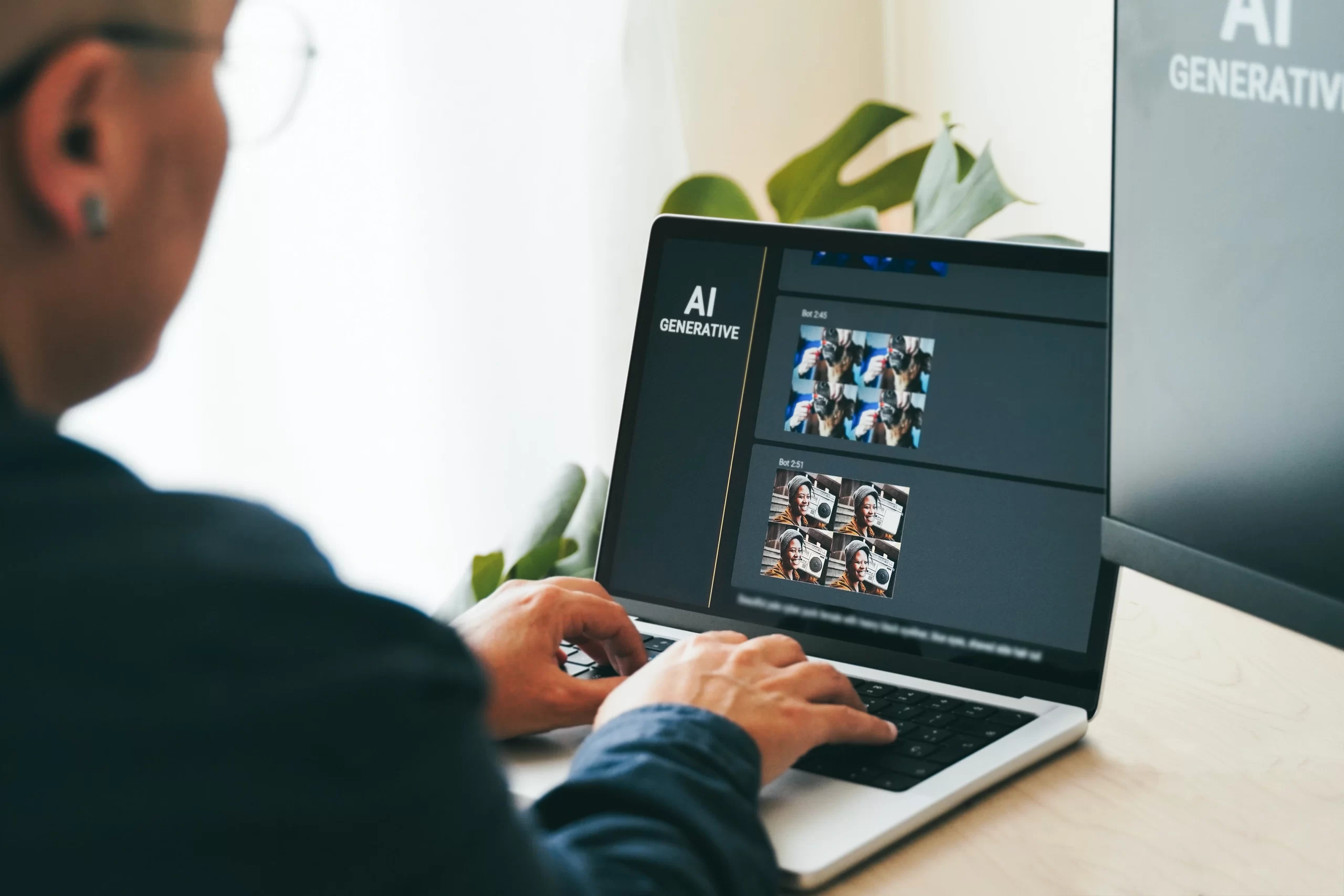
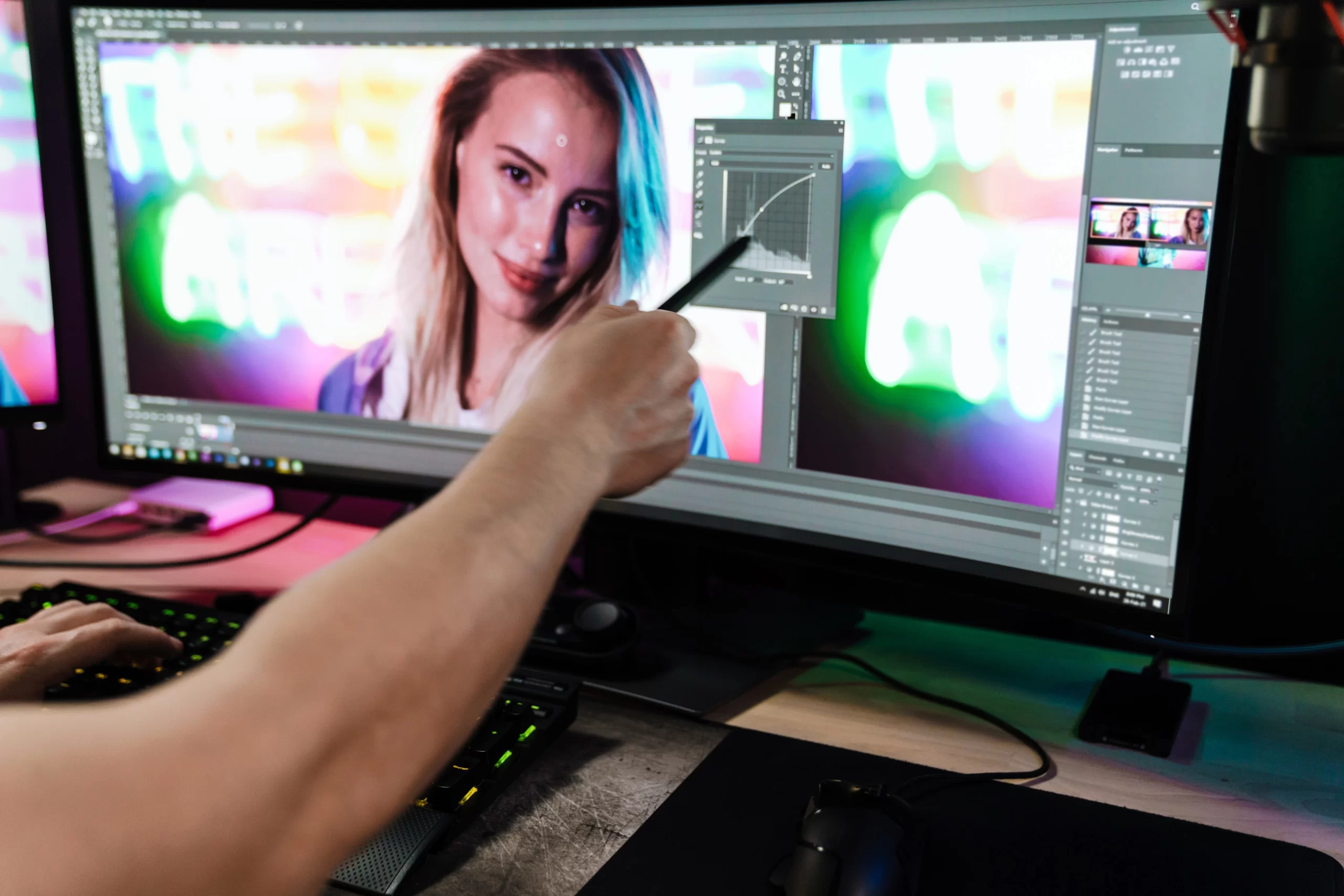
In 2025, photography isn’t just about capturing the moment—it’s about transforming that moment into a visual masterpiece, quickly and effortlessly. Whether you’re a solo photographer, a content creator, or part of a studio team, AI editing tools are becoming essential to streamline your workflow, enhance creativity, and deliver professional-grade results—fast.
If you want to see how AI can instantly rescue bad photos, check out 7 Ways AI Can Rescue Bad Photos Instantly


Let’s explore 10 standout AI photo editing tools making waves in the photography world this year.


1. Luminar Neo


Use Case: Professional photo enhancements with minimal effort.


Luminar Neo by Skylum continues to lead the pack in 2025. Its powerful Relight AI, Sky Replacement, and Portrait Bokeh AI features automate retouching and lighting in ways that feel intuitive and human-like. Ideal for portrait, product, and landscape photographers.


Why it stands out:
One-click enhancements
Smart presets based on image type
AI masking with minimal manual adjustments


👉 Try Luminar Neo on the Official Site


2. Adobe Photoshop (Generative Fill 2025 Update)


Use Case: Precise, professional-grade creative edits.


Photoshop’s 2025 generative AI update brings context-aware fill, realistic object generation, and advanced background extension features. The latest AI tools reduce manual labor while keeping total control in the hands of the editor.


Why it stands out:
Seamless content generation
Best for creative composites
Industry standard in commercial photography


👉 Explore Adobe Photoshop on Adobe’s Official Page


3. Canva AI Photo Editor


Use Case: Quick edits for social media and branding.


Canva’s AI editor now offers advanced auto-retouch, background removal, and brand-aligned filters. Great for photographers managing their own social presence or delivering client-ready social assets.


Why it stands out:
Easy drag-and-drop editing
AI content-aware cropping
Fast workflow for social teams


👉 Edit Photos with Canva AI on Canva’s Official Website


4. Imagen AI


Use Case: Wedding and event photographers handling bulk edits.


Imagen AI learns your editing style and applies it across hundreds (or thousands) of photos in minutes. Perfect for high-volume photographers who want consistency and speed.


Why it stands out:
Learns your Lightroom edits
Batch editing with personal style
Time-saving powerhouse


👉 Discover Imagen AI for Bulk Photo Editing


5. Retouch4me


Use Case: High-end skin and portrait retouching.


This tool focuses specifically on retouching tasks like skin, dodge & burn, eye enhancement, and fabric cleanup—using AI with studio-level accuracy.


Why it stands out:
Natural-looking retouching
Plug-and-play interface
Saves hours of Photoshop work


👉 See Retouch4me’s AI Retouching Tools


6. Topaz Photo AI


Use Case: Enhancing image quality with upscaling and noise reduction.


If you’re dealing with low-light shots or older images that need cleanup, Topaz Photo AI combines Sharpen AI, Denoise AI, and Gigapixel AI into one simple workflow.


Why it stands out:
Rescue blurry or grainy images
Ideal for product photographers
Smart upscaling without quality loss


👉 Enhance Photos with Topaz Photo AI


7. Pixlr AI


Use Case: Free, browser-based photo editing with AI support.


Pixlr offers fast background removal, object removal, and filters with AI suggestions. It’s great for quick edits on the go or for creators who need light tools with powerful results.


Why it stands out:
Web-based, no installation
Great for mobile workflows
Free version with strong capabilities


👉 Edit Free with Pixlr AI Online


8. Remove.bg


Use Case: Instant AI-powered background removal.


This tool does one thing exceptionally well—removing backgrounds with nearly zero effort. Photographers working on e-commerce, cutouts, or ads love it for speed.


Why it stands out:
One-click background cleanup
Works on batches
API for integration into workflow


👉 Remove Backgrounds Instantly with Remove.bg


9. PhotoRoom


Use Case: Mobile-first editing for product and lifestyle shots.
PhotoRoom is a mobile-first tool made for content creators and product photographers. It combines AI background removal, templates, and enhancements into an easy mobile app.
Why it stands out:
Perfect for fast product photo turnarounds
E-commerce-ready outputs
iOS and Android friendly


👉 Create with PhotoRoom on Mobile


10. Let’s Enhance


Use Case: Upscale and enhance images for prints or high-res formats.


Let’s Enhance uses AI to upscale and sharpen images up to 16x their original resolution. Great for print deliverables and gallery submissions.


Why it stands out:
High-resolution upscaling
Color enhancement and tone correction
Preserves image detail with AI sharpening


👉 Upscale Images with Let’s Enhance AI


Final Thoughts


AI photo editing in 2025 is not about replacing the artist—it’s about supercharging the workflow.


The best photographers aren’t just clicking the shutter; they’re mastering tools that give them an edge.


Whether you’re editing 1,000 wedding shots or creating 10 scroll-stopping reels for your Instagram, AI tools are here to elevate your game—creatively and commercially.

Curiouse about how AI influene modern editing? Read : From Hours to Minutes: How AI Powered Photo Editing Is Changing the Game
Author name:
Hubaib
Want to connect with us
We would love to assist you on this journey. Drop us your details and let us help you.


    Other Articles
    SBA
    AI in Content Strategy: Smarter Scripts, Better Ho...

    AI in Content Strategy: Smarter Scripts, Better Hooks, Faster Turnarounds     Most content doesn’t fail because brands lack ideas.…
    SBA
    LLMs in Product Photography: From Creative Ideas t...

    LLMs in Product Photography: From Creative Ideas to Automation     Let’s be honest—photography isn’t just about clicking a product…
    SBA
    10 Lighting Techniques Every Brand Photographer Mu...

    10 Lighting Techniques Every Brand Photographer Must Master Before 2026   Ever noticed how some brand photos just feel premium…
    SBA
    50 Fresh Shoot Ideas to Dominate Your 2026 Brand C...

    50 Fresh Shoot Ideas to Dominate Your 2026 Brand Calendar     You know how some brands just get it?…
    SBA
    7 Ways AI Can Rescue Bad Photos Instantly   &...

    7 Ways AI Can Rescue Bad Photos Instantly     We’ve all been there. You click a photo, check it…